
Appearance
Accounts
Accounts are the customer and company records in Pulse — the starting point for the sales and delivery flow (Account → Contacts → Deals → Sales Order → Work Order → Delivery Order). An account's detail page is the hub that pulls together every one of those downstream records in one place.
In this section
- Create an Account — the New Account form, section by section
- Account Details — the detail view, panels, and related records
- Field Reference — every field, limit, and validation rule
What you can do
| Action | Where |
|---|---|
| Browse the list | Accounts list |
| Search by name | Search box above the table |
| Narrow the list by any field | Filter |
| Add an account | Create Account |
| Open an account's full record | Click the account name |
| Edit, export, or review history | Account detail page |
| Raise a deal directly from the account | Account detail page → Add Deal |
The Accounts list
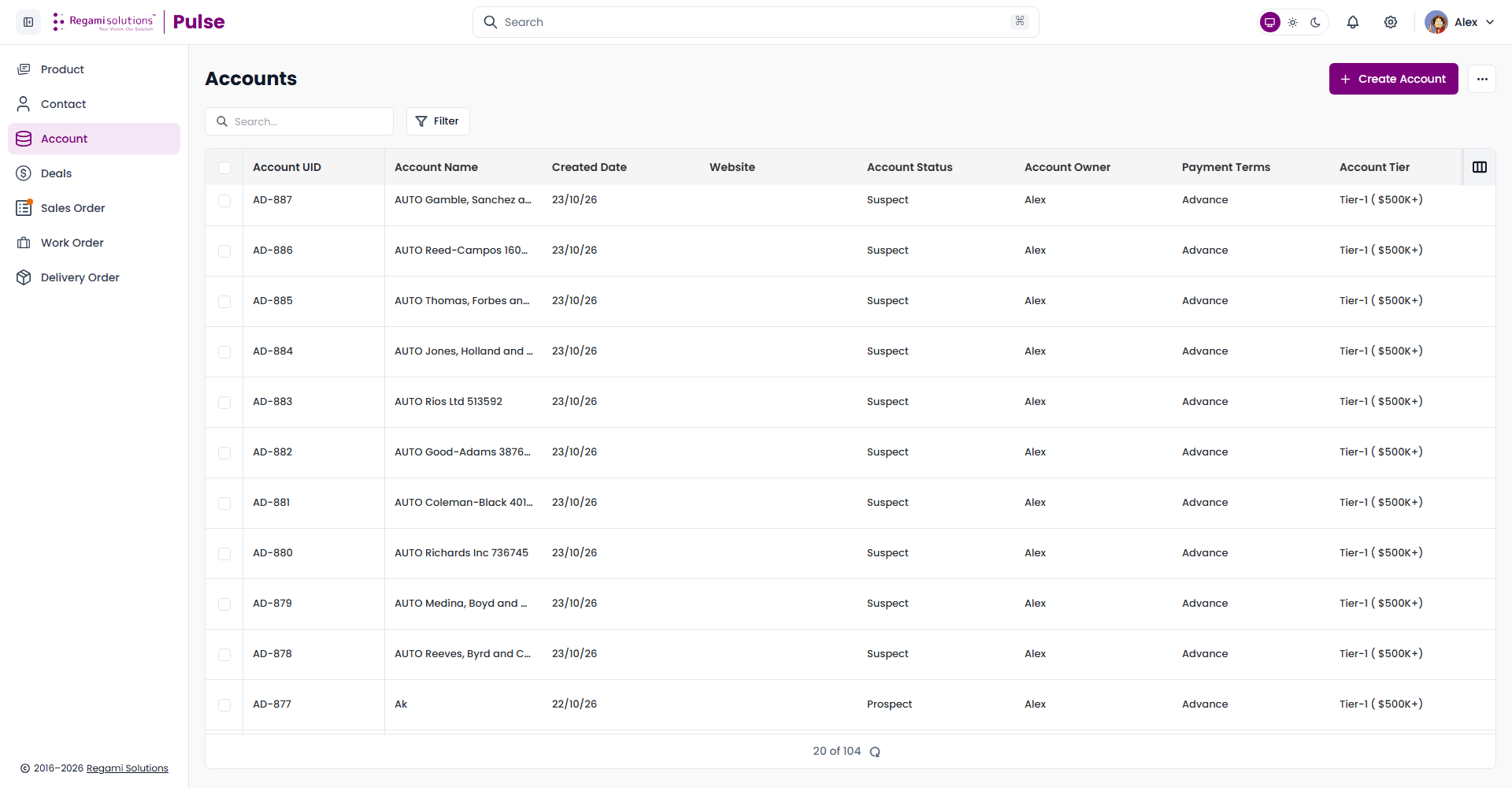
Each row is one account, identified by an auto-generated Account UID (AD-###).
| Column | Shows |
|---|---|
| Account UID | Auto-generated identifier |
| Account Name | Click to open the record |
| Created Date | When the account was added |
| Website | The account's website, if set |
| Account Status | Suspect, Prospect, Active, Inactive, or Junk |
| Account Owner | The Pulse user who owns this account |
| Payment Terms | The default terms for this account's orders |
| Account Tier | A revenue-size band — see Field Reference |
TIP
Use the column-picker icon at the right of the table header to show, hide, and reorder columns. Your choice is remembered per browser.
Filter
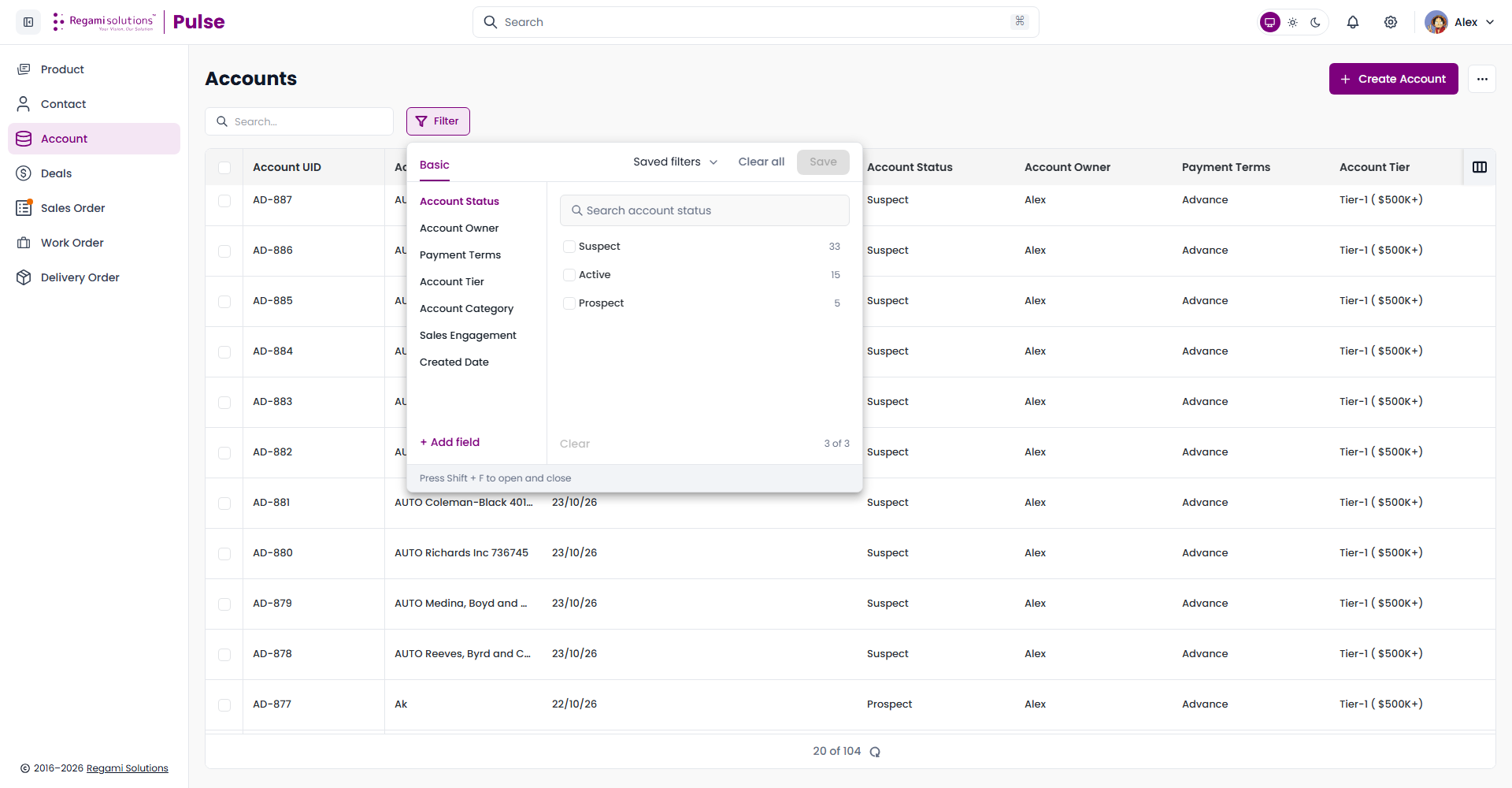
Filter opens a facet panel keyed to Account Status, Account Owner, Payment Terms, Account Tier, Account Category, Sales Engagement, Created Date, or any field you add with + Add field. Each value shows how many accounts currently match it. Save a combination with Save so you can reapply it later from Saved filters.
Where Accounts sits in the flow
Every Contact belongs to exactly one account, and every Deal is raised against one. The account's detail page rolls all of it up — Contacts, Deals, Quotes, Sales Orders, Work Orders, Delivery Orders, and Invoices each get their own panel, so you can see a customer's complete history without hunting through other modules.
Related
- Create an Account — fill in the New Account form correctly first time
- Field Reference — every validation rule in one table
- Contacts — the people tied to each account
- Deals — the opportunities raised against an account